top of page

HOW TO REGISTER PLAYERS IN ONECAUSE
We kindly ask that all players are registered by Monday, May 4th
1. Visit OneCause to register your players.
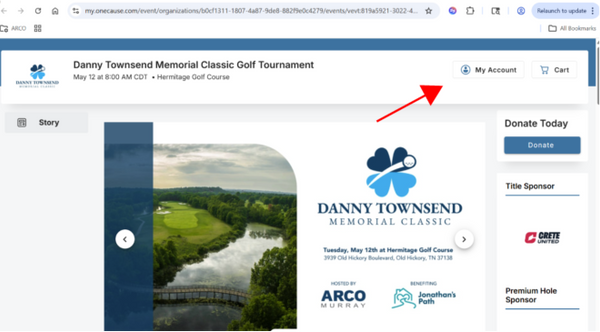
2. Click "My Account" and then login:
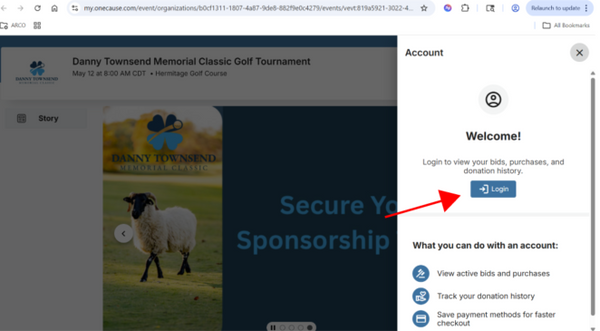
4. Login to the account you made when you registered. This will only work for the person who made the account.

5. Once logged in, click “My Account” and then “Tickets”
-
For any unassigned tickets, add your players name, email, and phone number.
-
If any assigned ticket has missing or incorrect information, please update that.
6. Once players are assigned, OneCause will create a guest profile and send those players their ticket/entry link.
bottom of page